Help support OnTarget with a small, secure donation:
Release History:
Version 1.10, 4-30-08. Release.
Version 1.06, 3-18-08. Release candidate.
Version 1.04, 3-07-08. Release candidate.
Version 1.02, 3-1-08. Beta test version.
Version 1.01, 2-25-08. Beta test version.
Version 1.00, 2-16-08. Initial test / Beta version.
Changes and Fixes for v1.10:
Added data export functions for group and bullet hole information. Creates
tab delimited text files for importing into Excel.
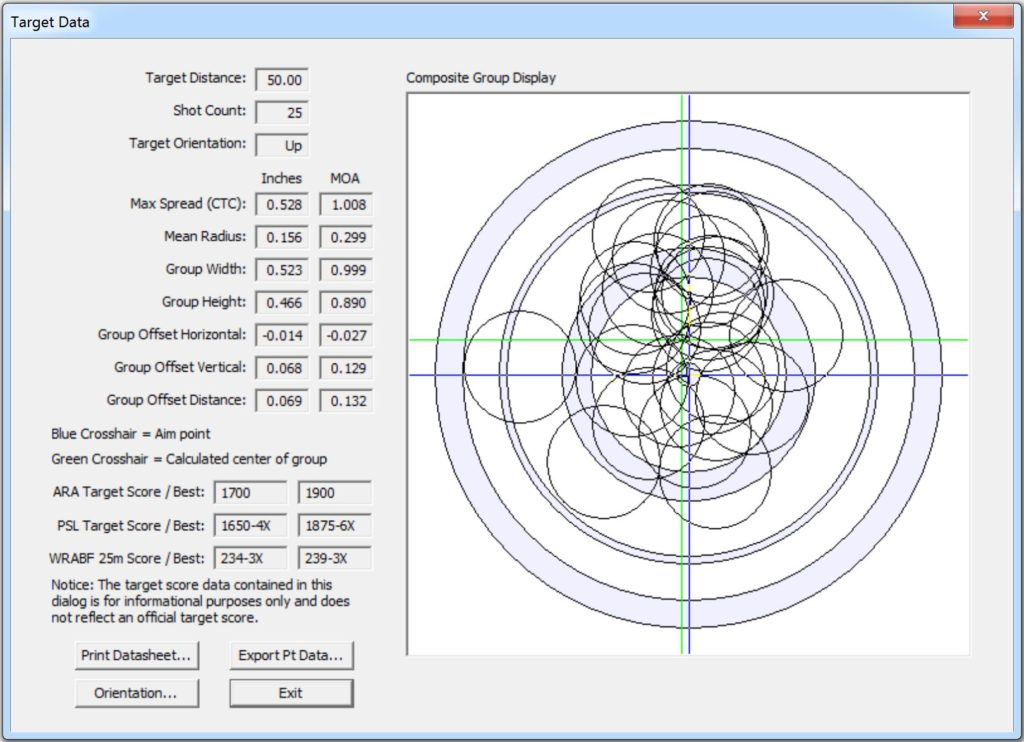
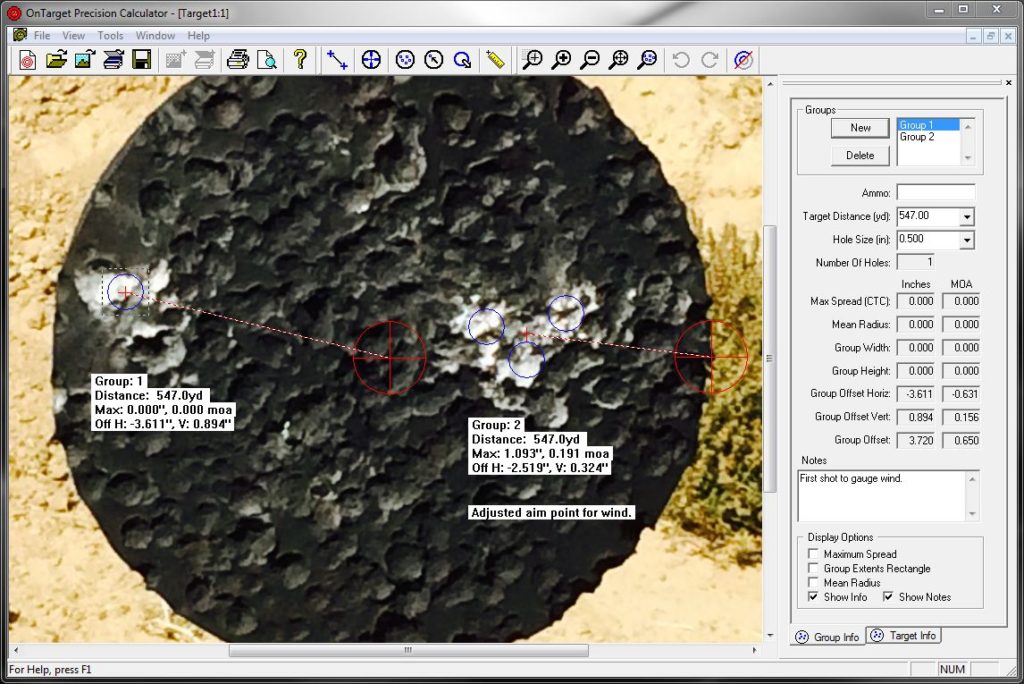
Added a user defined point-of-aim to the target. After the POA is set
the offset to the group center is calculated and displayed.
Added popup menu in the Target View for quick access to common commands.
Right click in the Target View to show the menu.
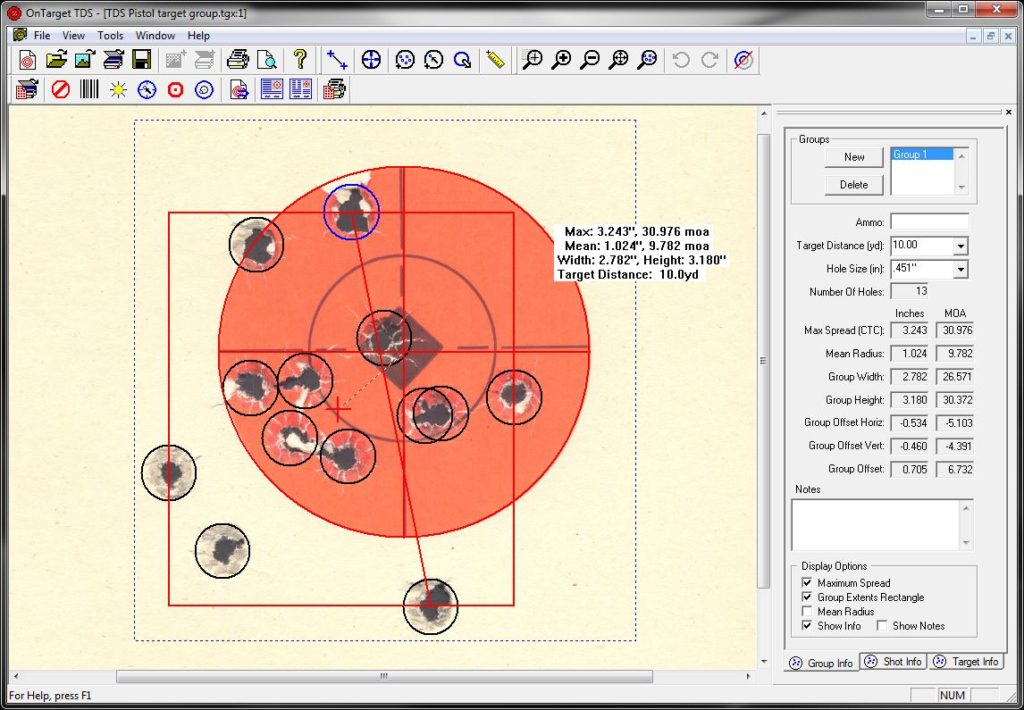
Added a Custom Group Text option. When enabled the user can select the
information strings they want to show when group text is enabled.
Previous group text selections are still available.
Increased the size of the group text saved in the graphic from Save Project
As Graphic function.
Added project level average fields in the Target Info tab for all measurements.
Added hotkeys for three common commands. 'G' and 'N' create a new group.
'B' and 'H' toggle bullet hole input on/off. 'A' and 'P' toggle point of aim
input on/off. Hotkeys allow right and left handed users to use all of the
commands with one hand.
Changes and Fixes for v1.06:
Fixed program crash when entering large number of groups or holes.
Fixed problem saving project files with empty groups.
Removed top-level Edit menu item. No cut/copy/paste
functions are currently supported.
Help toolbar button was not active. Assigned the button to open
the help file table of contents.
Fixed a problem with the operation of the "New" group button
in the Group Info tab.
Added feature to select group in the view if left clicked
inside the group rectangle.
Added .257, .264, and .284 bullet hole sizes to the list.
Fixed the size of the group selection list in the Group Info tab so
it fits exactly 4 lines of text.
Horizontal and Vertical distances were reversed in short display text.
Changed the notes fields in the Target Info and Group Info tabs to
accept the Enter key to allow entering multiple lines of text.
Text in view is now moveable; option is enabled in the Options/Colors
property page. If the group is changed, by adding or deleting holes,
the text is returned to its default position.
Added toolbar button to reset all group text back to the default positions.
Added a third display option for group text showing only group maximum
spread (CTC) in inches.
Group text display setting is now inherited from the previous group in
the project the same as ther other display settings.
Changes and Fixes for v1.04:
Enabled F1 key to open the help system.
Added function to save entire project into a graphic file.
Added user selectable colors for holes and boundaries.
Added button in Group Info tab to create new group.
Program will only run one instance at a time.
Added overwrite prompt to file save dialogs.
Changes and Fixes for v1.02:
Maximum spread calculation precision has
been improved to .001".
Graphic file open dialog now remembers
last opened file type.
Added filter for All Graphics in the File Open dialog.
Changes and Fixes for v1.01:
Program saves the last used target distance and bullet
hole size for the next new project.
Increased resolution when positioning bullet holes.
Allow saving of the target graphic as an image file.
Changed ruler to display with increased resolution to nearest .001".
Changed from 2 to 3 places after decimal point for all group calculations.
Projects automatically zoom to fit the window when loaded.
Group Info view fields are cleared when last document is closed.
Added a Help system with Quick Start guide.
Added color and line width settings for group boundaries.
Program prompts the user to save the project file before closing document.
Pending Changes and Feature Requests:
New features to be determined.
Known Issues:
Group information text is not drawn correctly during printing. Line
spacing appears to be incorrect. Printing functions are disabled until
the problems are corrected.
After saving several projects as graphics the program will sometimes
have problems during shutdown. If the problem occurs OnTarget cannot
be restarted. To clear the problem either restart the computer or
use the Windows Task Manager to select the target.exe
process and click on the End Process button to force shutdown.